
You can register using your (1) email address or (2) mobile number
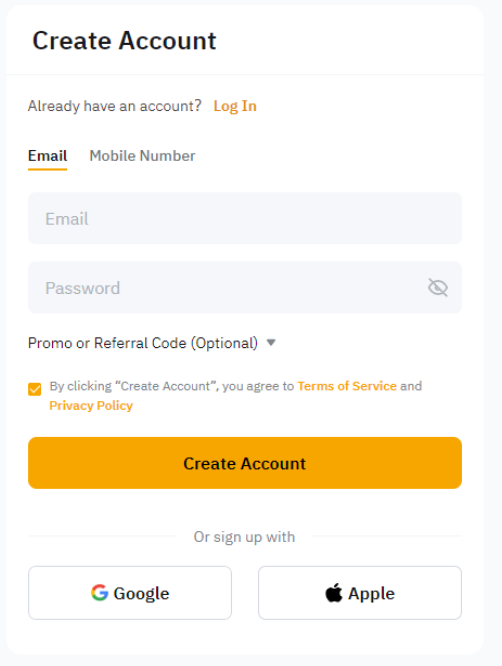
Step 1: Choose to register using Email or Mobile phone number. Please enter your email or mobile number + country code, preferred password and referral code (optional and can be left blank) accordingly.
Note:
— Clicking on the Sign Up with Google will use the email address linked to your Google account for your Bybit account creation.
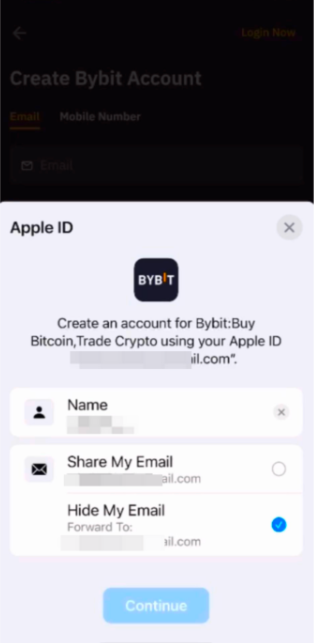
— Clicking on the Sign Up with Apple will use your email address linked to your Apple ID for your Bybit account creation (Share My Email). If you have selected Hide My Email for the registration, Apple will create a unique, random email address with @privaterelay.appleid.com domain for registration.
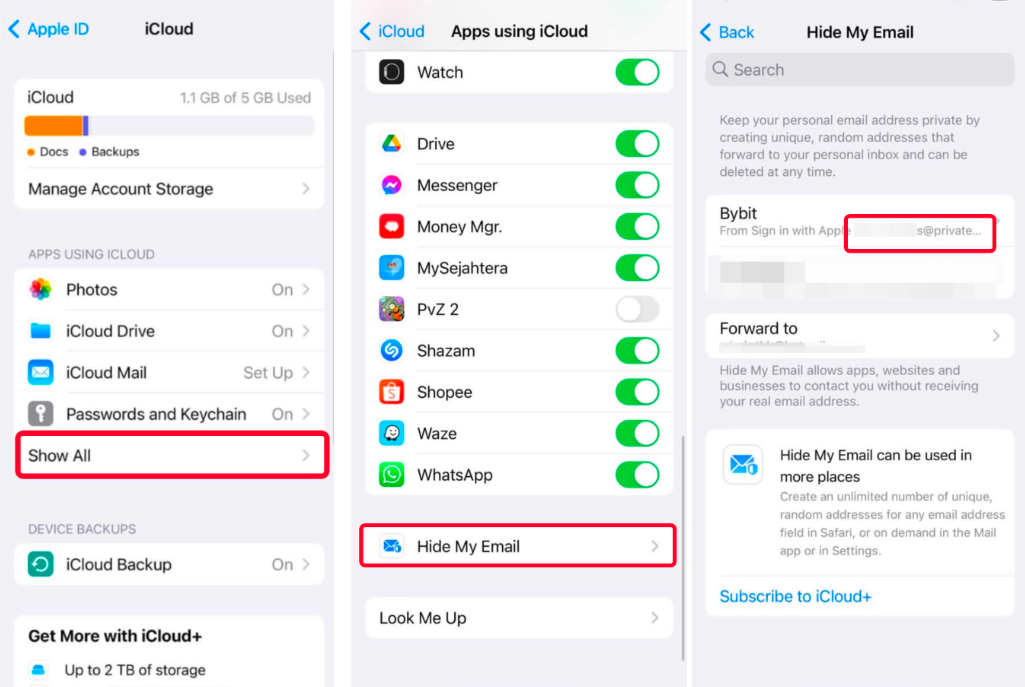
To check your @privaterelay.appleid.com email address, go to the Apple Settings → iCloud → Apps Using icloud → Hide My Email.
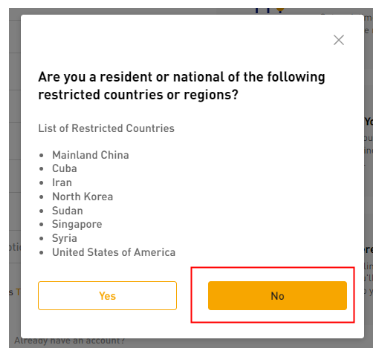
Step 2: Once you click on “Continue”, you will see the window below. If you are not from the restricted countries or region mentioned, select “No” to continue with the registration.
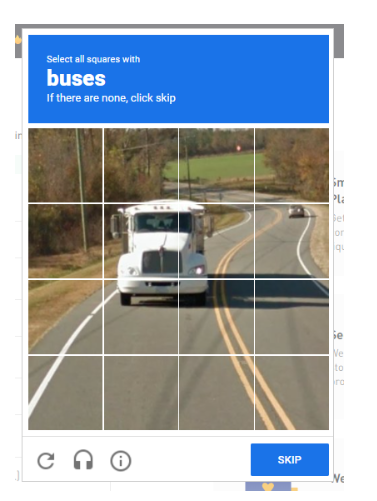
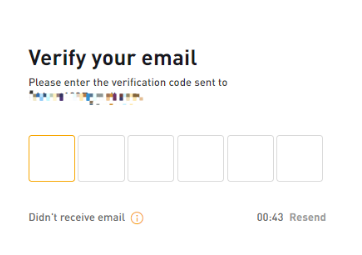
Step 3: Complete the recaptcha verification and enter the verification code sent to your email inbox (email registration) or SMS code sent to your mobile number (mobile registration).
If you do not receive the email, please check if it has been sent to your spam/junk mail box.
You have successfully registered an account on Bybit !


